VERIFIED FACT · Three names, two connection paths
Seoul’s public Wi-Fi page, updated March 12, 2026, lists the secure networks as SEOUL_Secure and SEOUL_Secure_(3). The city recommends this route and instructs users to enter seoul for both the ID and password. It identifies SEOUL_Secure_(3) as the version using WPA3-Enterprise. The same page says one completed setup can reconnect a device where that service is installed.
The open path is SEOUL. Selecting it should launch a page where the user chooses the general connection button, and the city says this step is repeated for each session. That distinction is the useful memory aid: the Secure names use the published credentials; SEOUL uses a landing page. Device menus vary, so this article does not invent certificate, privacy, or advanced authentication settings that the current city page does not specify. If the prompt looks different, stop and use the official page or call the listed integrated Wi-Fi center at 02-2133-0022.
TWO-MINUTE SETUP · Verify, join, test
First, open the current Seoul public Wi-Fi instruction page using mobile data or a trusted connection and compare the spelling character by character. A familiar-looking name alone does not prove who operates a nearby network. Second, choose the city-recommended secure option when it appears and follow your device’s normal prompts without accepting an unexplained profile or certificate. If only SEOUL appears, expect the general-access landing page rather than the secure-login flow.
Third, test one ordinary HTTPS page before relying on the connection for navigation or a reservation. A connection icon shows that the phone joined a network; it does not guarantee useful internet speed. If the page fails, move a short distance, forget the network and retry once, then use mobile data rather than repeatedly changing security settings. After the trip, remove networks you do not want the phone to rejoin automatically.
COVERAGE REALITY · An installed fleet is not an everywhere promise
The Seoul Metropolitan Government reported in April 2026 that it operates 35,318 public Wi-Fi units across buses, bus stops, parks, markets, and welfare facilities, with an average 4.21 million users a day. Those are the city’s system-wide figures, not a promise that every street corner, train car, room, or device will receive the same signal. Hardware counts, hotspots, sessions, and individual users are different measures and should not be combined as though they were interchangeable.
The same announcement describes a 2026 budget of KRW 2.4 billion to replace 2,020 older units across all 25 districts, introduce Wi-Fi 7, and expand higher-quality data-free zones in Myeong-dong, Seongsu, and Hangang parks. At this fact check, those statements describe the city’s program and intended improvement, not independent proof that every replacement is complete or that a visitor will experience a particular speed. Maeil Business Newspaper separately reported the budget, replacement target, priority for equipment more than eight years old, and planned tourist-area expansion.
BACKUP PLAN · Free Wi-Fi is a layer, not a lifeline
Public Wi-Fi is excellent for downloading a map, checking a museum page, or sending a message while you are in range. It is a poor single point of failure for airport transfers, mobile tickets, translation, late-night directions, or time-sensitive authentication. Seoul’s 2026 English visitor guide says prepaid SIM cards are available at many convenience stores and points travelers who need continuous access toward rented phones or portable routers. Product terms change, so compare current carrier pages rather than relying on an old price quoted in an article.
A simple travel hierarchy works: keep critical addresses and tickets available offline; use official public Wi-Fi when it is convenient; keep a SIM, eSIM, roaming plan, or rented hotspot for continuity if your itinerary depends on being connected. Charge the phone and backup battery before a long day. The goal is not maximum data at every moment—it is preventing one weak signal from becoming a missed train, lost booking, or anxious walk.
SECURITY NOTE · Confirm the name before the connection
The United Kingdom’s National Cyber Security Centre uses a simple public-network scenario to explain why similar access-point names matter: a false hotspot can imitate a legitimate one. Its guidance says to determine the correct network before connecting and, in a staffed venue, ask the operator when uncertain. In Seoul’s municipal setting, the practical equivalent is to compare the exact name with the city’s current page or posted official guidance and use the listed support center if the prompt does not match.
The NCSC also explains that a browser padlock indicates encryption between the device and the website, and its conservative advice limits ordinary public Wi-Fi to browsing unless a properly maintained VPN is used for account or work access. For a sensitive financial or identity task, the cautious visitor can wait or use a trusted mobile connection. These are general risk-reduction habits, not a claim that Seoul’s network is compromised and not a guarantee that any public network is risk-free.
SEOULIAN INTERPRETATION · Good infrastructure should disappear into the day
A visitor does not experience digital infrastructure as a unit count. They experience it as the moment a map opens, a friend receives a message, or an unfamiliar neighborhood becomes legible. Seoul’s shift from adding equipment toward replacing older units is meaningful because reliability—not novelty—is what lowers friction. The city’s clearest near-term opportunity is to make the official network names, English instructions, and failure path as consistent as the hardware plan.
The best use of the service is therefore modest and confident: know the two connection paths, verify the official name, carry one fallback, and return attention to the street. Connectivity earns cultural value when it helps a person arrive, participate, and share the day without making the network itself the main event.
THE SEOULIAN SIGNAL · EDITORIAL INTERPRETATION
Why this matters
Save the official Korean setup page before leaving your hotel: use SEOUL_Secure or SEOUL_Secure_(3) with seoul as both ID and password when available, expect a landing page on SEOUL, and keep critical tickets and addresses offline.
SOURCE DESK · RESEARCH RECORDS
Research used for this analysis
- Seoul Shifts Public Wi-Fi Policy from Expansion to Quality by Replacing 2,020 Units Seoul Metropolitan Government · Primary current English municipal announcement used for the April 15 publication date, 2026 budget, 2,020-unit replacement target, 25-district scope, Wi-Fi 7 plan, named data-free zones, installed-unit count, and city-reported daily use; planned work is described as a plan, not a completed result.
- Seoul Free Wi-Fi: Use SEOUL_Secure Seoul Metropolitan Government Digital City Bureau · Primary current Korean setup record, updated March 12, 2026, used for installation contexts, official SSIDs, the secure-network recommendation, published ID and password, WPA3-Enterprise note, open-network landing-page flow, and support number; no page text or artwork is reproduced.
- Seoul Travel Guide 2026 Seoul Metropolitan Government · Primary current English visitor guide used to cross-check the distinction between place-based wireless access and continuous options such as a prepaid SIM, rented phone, or portable router; no layout, map, or prose is reproduced.
- Seoul to Invest KRW 2.4 Billion in Public Wi-Fi Quality Upgrade Maeil Business Newspaper · Independent current reporting used to cross-check the April 2026 budget, 2,020-unit target, priority for older equipment, Wi-Fi 7 and WPA3 direction, and planned tourist-area expansion; its machine-translated wording and images are not reproduced.
- Connecting Securely — Micro Exercise UK National Cyber Security Centre · Independent public cybersecurity guidance used for the limited claims about confirming the legitimate access point, HTTPS transport encryption, the risk of lookalike network names, and conservative handling of logins on public Wi-Fi.
Original synthesis & image rights
SEOULIAN independently synthesized and checked the connection steps, public-network scope, 2026 upgrade plan, continuous-access alternatives, and general security guidance from current Seoul municipal records, the city’s 2026 visitor guide, independent reporting, and the United Kingdom’s National Cyber Security Centre. No source sentence, press photograph, network screen, map, logo, poster, branded interface, or commercial product image is reproduced. The cover is an original AI-generated editorial illustration made with built-in ChatGPT Image Generation for this story and recorded with its prompt, source PNG, optimized WebP, hashes, and visible disclosure. Targets and reported usage remain attributed to the city and are not presented as independently verified outcomes.
Image disclosure
Credit: SEOULIAN · Created with ChatGPT Image Generation
Creator: SEOULIAN with ChatGPT Image Generation
Source type: SEOULIAN imagegen editorial photo
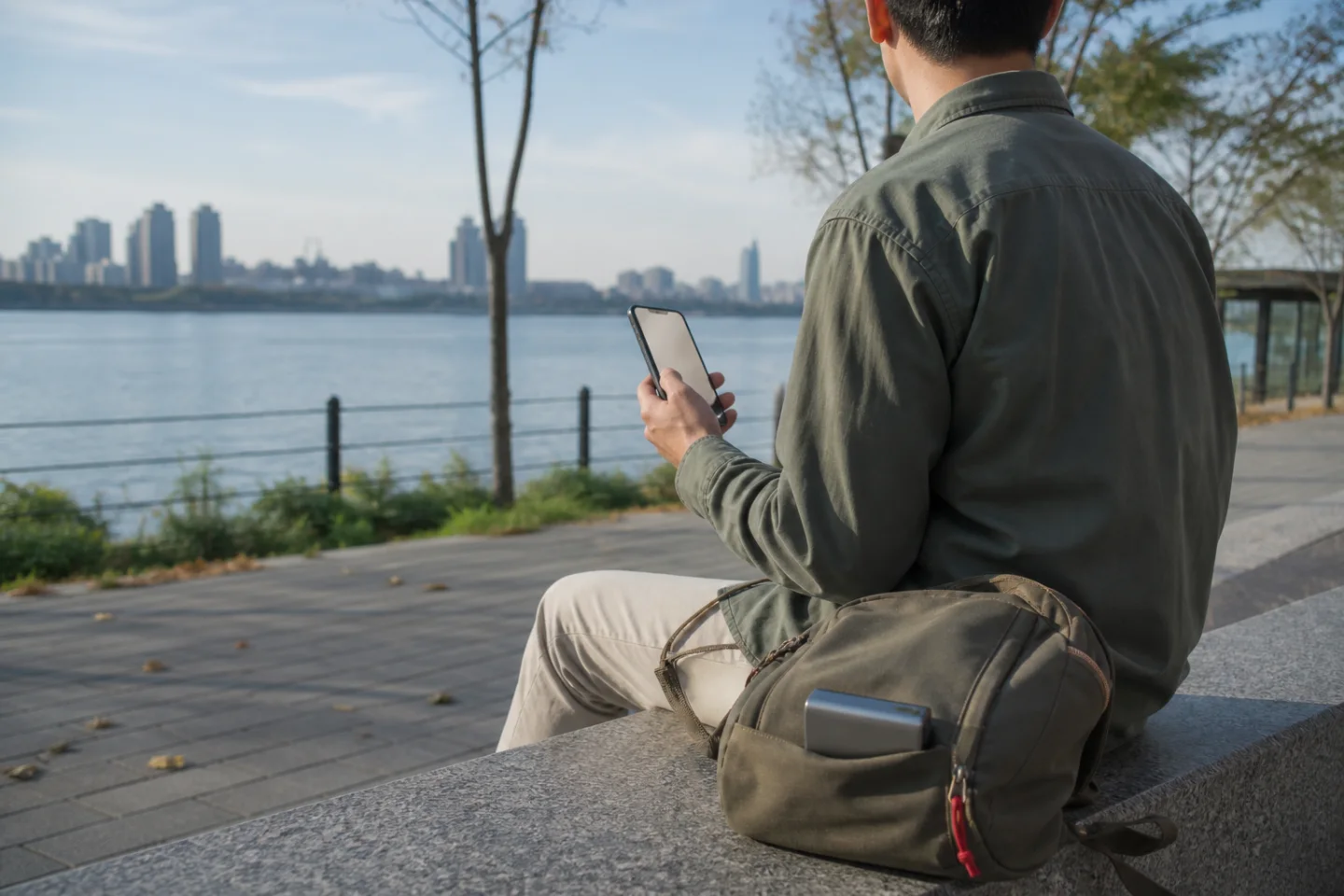
Disclosure: AI-generated editorial illustration; not documentary evidence of Seoul’s public Wi-Fi network, its coverage, equipment, speed, 2026 upgrade, any tourist, neighborhood, park, bus stop, or riverfront.
License: Original SEOULIAN AI-generated editorial image